

Contensis best practice for editors

🚀 Get Started with Contensis
If you're new to Contensis, this is the best place to begin. These videos introduce the CMS and cover the essential skills every editor needs, including navigating the system, creating and editing content, previewing changes, and collaborating with colleagues.
Introduction to Site View
Learn how to use Site View to edit pages directly from your website. Instead of searching for content in the CMS, you can browse to a page, select the content you want to update, and open it straight away in Contensis.

Introduction to Site View

Viewing, Searching and Filtering Entries

Creating a New Entry in Contensis

Editing an Existing Entry in Contensis

Understanding the Entry Edit Toolbar

The Entry Actions Menu in Contensis

Previewing an Entry in Contensis

Using Comments and Conversations
Essential Guides and Resources
Everything you need to edit and manage content on the LSE website in one place. From comprehensive editor guides and People Pages best practice to your editor responsibilities and information about the Digital Communications team, these resources will help you create high-quality, accessible and effective web content using Contensis.
LSE Website Guide for Contensis Editors (pdf)
This comprehensive guide provides everything you need to create, edit and manage content on the LSE website using Contensis. It covers the core features of the platform, explains LSE's content standards and best practice, and includes step-by-step guidance to help you confidently publish and maintain high-quality web content. Whether you're new to Contensis or need a refresher, this guide is your primary reference for editing the LSE website.
Editing responsibility: Complete the terms of use form
Publishing content on the LSE website carries responsibilities. Before you begin using Contensis, please review and accept the Website Editors' Terms of Use, covering content quality, accessibility, copyright, GDPR and SEO best practice.
Making the Most of Your LSE People Page
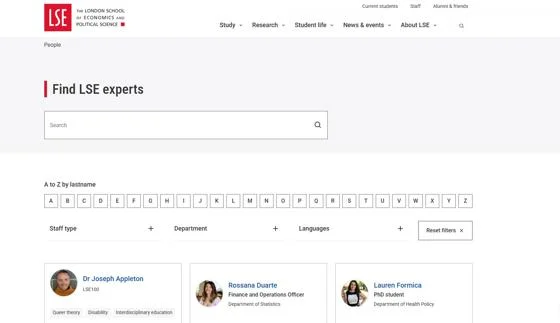
Everything you need to create and maintain an effective LSE People page. The guide is available as a slide guide, movie and web guide, providing the same guidance in three different formats.
✍️ Create and Edit Content
These videos cover the core editing tools used every day in Contensis. Learn how to create page layouts using the Composer, edit content, add metadata, link related content, and prepare your pages before publishing.
Creating Content and Layout Using the Composer

Creating Content and Layout Using the Composer

Creating and Editing an Entry's Main Content

Creating Meta Information for an Entry

Linking to Related Content in Contensis
Accessibility Hub
📄 Content Types
Different types of content have different purposes. This section explains each content type available in Contensis, when to use it, and how to create content that is structured correctly for the LSE website.
Department Page Content Type in Contensis
Learn how to create and manage Department Pages in Contensis. This practical guide demonstrates how to configure department page settings, add key content and page components, manage associated content, and build well-structured department pages that provide visitors with a clear overview of a department and its activities.

Department Page Content Type in Contensis

Information Page Content Type in Contensis

Landing Page Content Type in Contensis

News Article Content Type in Contensis

News Listing Content Type in Contensis

Event Content Type in Contensis

Person Content Type in Contensis

External Link Content Type in Contensis
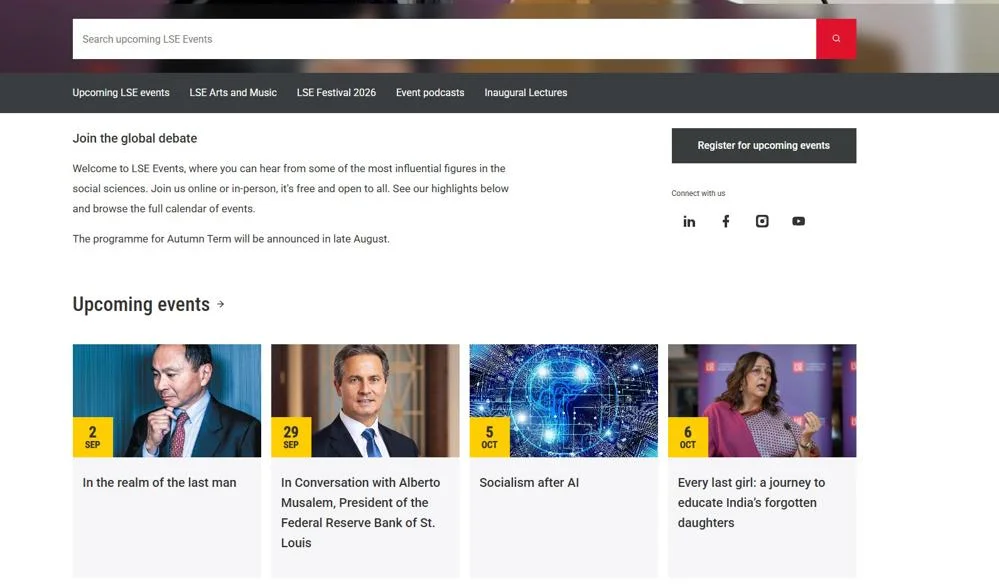
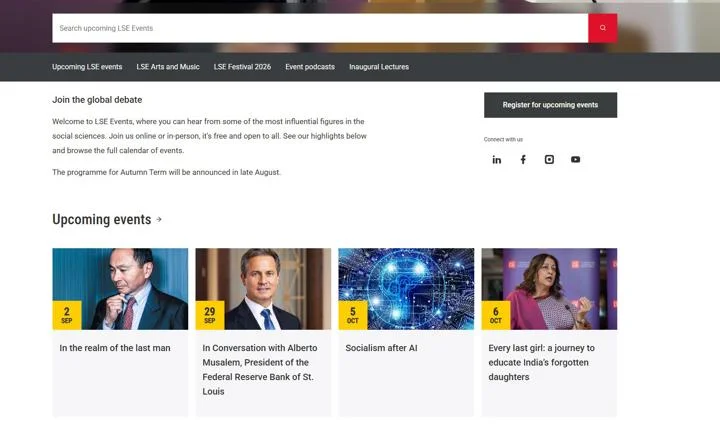
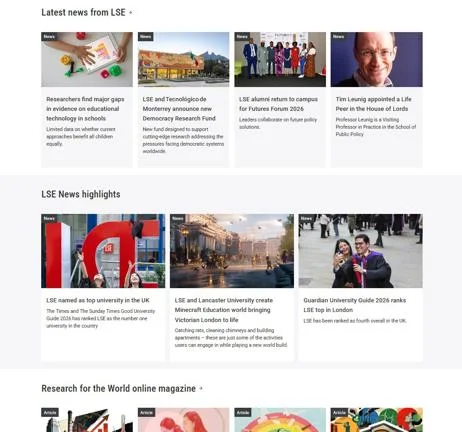
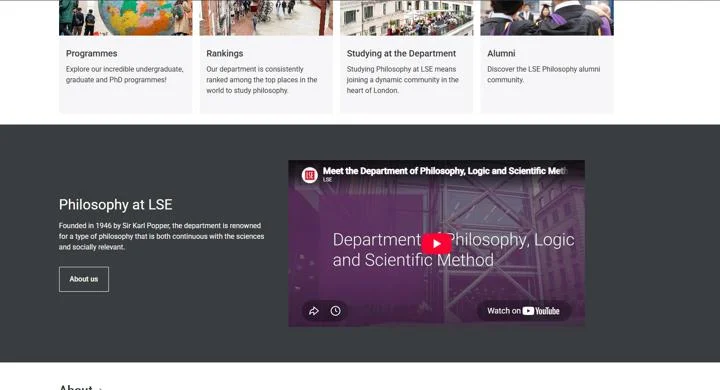
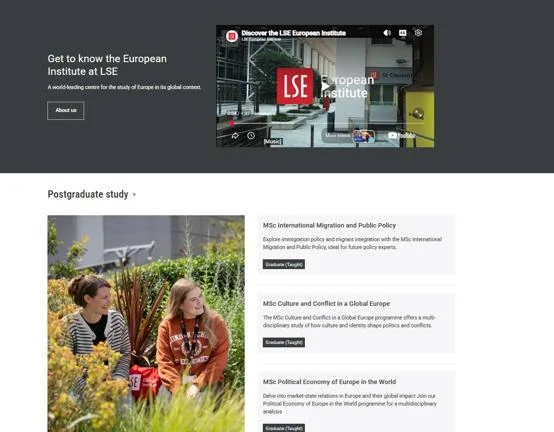
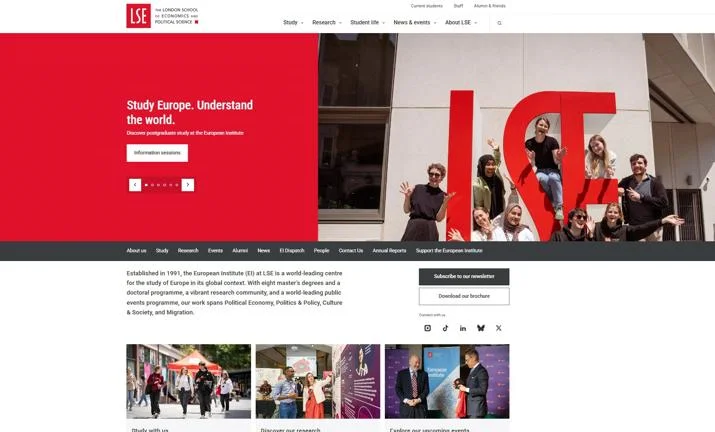
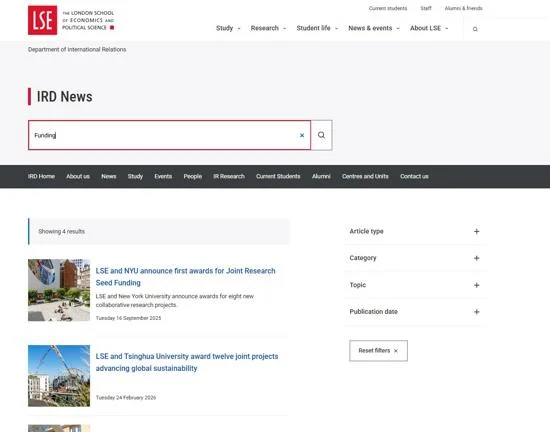
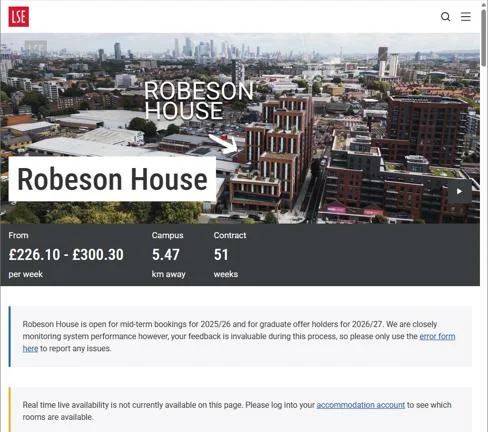
Inspiring examples from across LSE
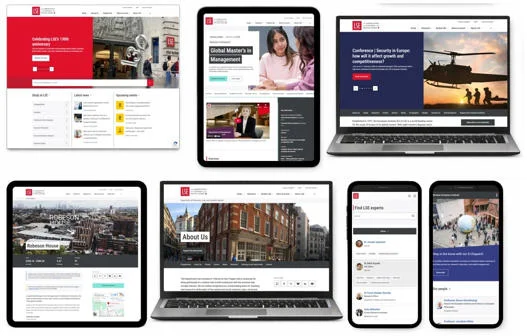
Outstanding web pages from across the LSE website showcasing how editors are making the most of Contensis and demonstrating examples of digital best practice.
🧩 Components and Page Building
Components are the building blocks used to create engaging, flexible web pages. Learn how to add banners, image galleries, videos, lists, calls to action and dynamic content to enhance your pages.
Components and Assets
Learn how to create engaging pages using Components and Assets in Contensis. This step-by-step guide demonstrates how to add and edit text, insert images, attach downloadable documents, search for existing assets, upload new media, and configure reusable components to build consistent, high-quality web pages with confidence.

Components and Assets

Hero Component

Hero Slider Component
Components_Call To Action

Promotional Banner Component in Contensis

Image Gallery Component

Video Gallery Component in Contensis

Video Block Component in Contensis

List Component in Contensis

People Block Component in Contensis

Programmes Block Component in Contensis

Accommodation Block Component

Country Select Banner Component

Embedding Approved Third-Party Content in Contensis

Dynamic News and Events Card Blocks in Contensis
Welcome Templates on the LSE Website

🏛️ Landing Pages
Landing pages bring together content, navigation and key calls to action into a single destination page. These videos explain the dedicated features available for creating effective landing pages.
Landing Page Intro Section
Learn how to use the Landing Page Intro Section component to add an introduction to your landing page, including a heading, summary and supporting content.

Landing Page Intro Section

Landing Page Navigation Bar

Landing Page Search Bar
Digital Communications Team
The Digital Communications team is responsible for developing and managing LSE's main public-facing website (lse.ac.uk). We support website editors across the School by providing guidance, training and best practice, helping departments create accessible, high-quality content and make the most of the Contensis content management system.

📝 Forms
Learn how to create forms, configure their settings and manage responses. These videos cover everything you need to build and maintain forms in Contensis.
Creating Forms in Contensis
Learn how to create a form in Contensis. This guide walks you through creating a new form, adding fields, configuring field settings, and building a form ready for use on your website.

Creating Forms in Contensis

Managing Form Settings and Responses
🌐 Site View
Site View provides a visual way to browse and manage content by showing pages in the context of the live website. It's useful for finding content, understanding site structure and navigating the CMS more intuitively.
Learn how to use Site View to edit pages directly from your website. Instead of searching for content in the CMS, you can browse to a page, select the content you want to update, and open it straight away in Contensis.